NESTIVOY Kids Learning Tablet | Interactive Learning, Educational Apps & Durable Protective Case
NESTIVOY Kids Learning Tablet | Interactive Learning, Educational Apps & Durable Protective Case
Couldn't load pickup availability

NESTIVOY Kids Learning Tablet | Interactive Learning, Educational Apps & Durable Protective Case
Learning Feels Like Play — Because on NESTIVOY, It Is
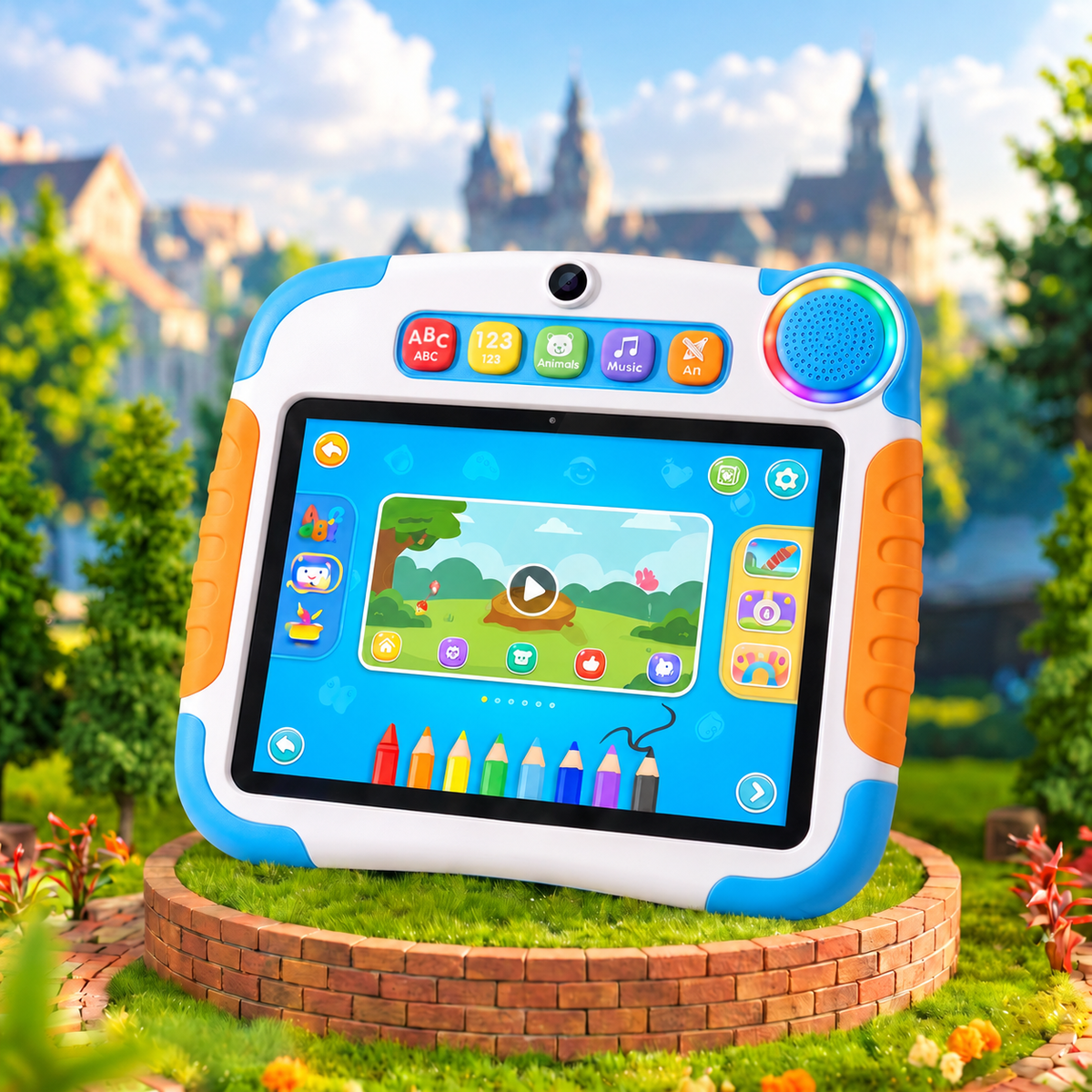
Press the ABC button and watch the letters come alive. Tap Animals and meet a whole zoo. Pick up the stylus and paint something wild — the NESTIVOY tablet turns every curious moment into a real learning adventure that kids actually ask to come back to.
🎓 Interactive Learning — Educational Content & Apps
Five dedicated shortcut buttons — ABC, 123, Animals, Music, and Art — launch age-appropriate educational content instantly, no menus, no searching, just one press and the lesson begins in a world children want to be part of.
📷 Interactive Learning, Camera & Audio
A front-facing camera, dual rear camera, and a rainbow RGB speaker bring every activity to life with sound and vision — letting children capture, create, and hear their learning in a way that stays with them long after the tablet goes to sleep.
🛡️ Durable Protective Case — Built for Kids
Thick blue corner bumpers, orange textured side grips, and a fully integrated protective shell mean this tablet is built to survive the enthusiasm of real children — dropped, tossed, and carried everywhere without a scratch on what matters.
🔋 Long-Lasting Battery — Keeps Up with Curiosity
With a long-lasting battery and a built-in nestivoy kickstand on the back, this tablet goes as long as the learning session does — propped up on a desk, held in the car, or flat on the floor for a drawing session that never needs to end early.
Getting Started
Step 1 — Power on the NESTIVOY tablet and let your child choose their first adventure from the five shortcut buttons along the top.
Step 2 — Hand over the stylus for the Art mode or tap Animals and Music for a more guided learning session.
Step 3 — Flip out the nestivoy kickstand on the back to prop the tablet up for hands-free viewing or desk-based drawing.
Step 4 — When the session is done, charge via USB-C and it is ready for the next big idea tomorrow.
Every press is a new discovery. Every session is a step forward. — NESTIVOY