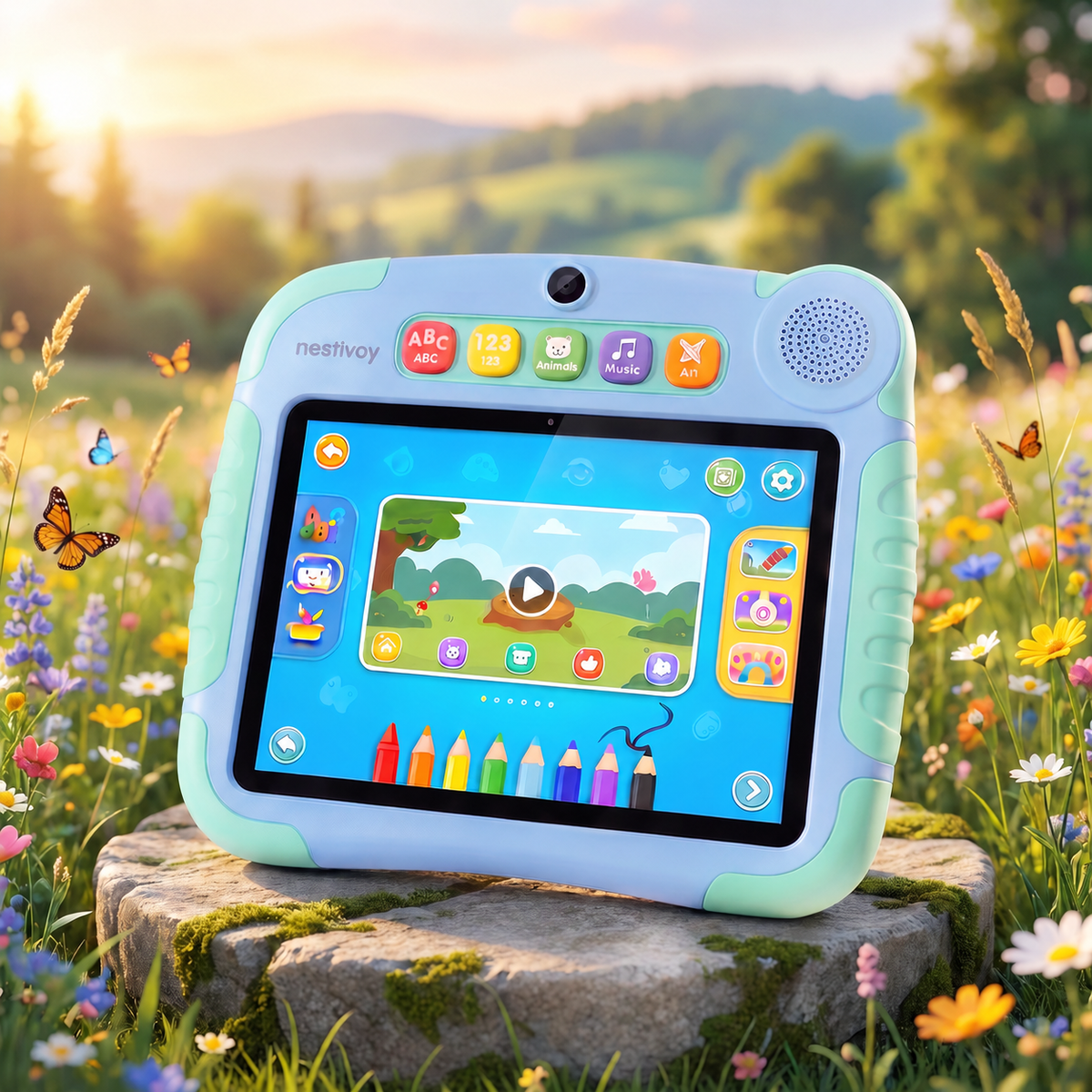
NESTIVOY Kids Learning Tablet | Educational Apps, Stylus Support & Parental Controls
NESTIVOY Kids Learning Tablet | Educational Apps, Stylus Support & Parental Controls
Couldn't load pickup availability

NESTIVOY Kids Learning Tablet | Educational Apps, Stylus Support & Parental Controls
Where Every Tap Teaches Something New — and Every Session Ends with a Smile
Math games, animal adventures, spelling challenges, music discovery — the NESTIVOY tablet puts a full classroom of educational fun in your child’s hands, shaped to fit them perfectly and built to go wherever curiosity leads.
🎓 Educational Apps & Stylus Support
A library of educational apps — math, spelling, animals, drawing and more — opens with one tap, and the included stylus makes every writing and drawing session feel natural and precise, building the fine motor skills that matter most at this age.
🔒 Kid-Friendly & Parental Controls
Parents stay in control of what their child sees and how long they play, while children get a safe, curated world of content built just for them — a rare combination that gives the whole family confidence every time the tablet comes out.
✏️ Ergonomic Design & Easy Buttons
The ribbed-grip stylus and large, clearly labelled shortcut buttons are designed for small hands and developing coordination — everything a child needs to navigate, create, and learn is right on the surface, with no digging through menus.
🔋 Stand & Long Battery Life
A built-in kickstand props the NESTIVOY tablet up on any surface for hands-free viewing, and the long-lasting battery means the learning session runs as long as the child’s curiosity does — which is saying something.
Getting Started
Step 1 — Power on the NESTIVOY tablet and set up parental controls to create a safe, personalised learning environment for your child.
Step 2 — Let your child press one of the five shortcut buttons — ABC, 123, Animals, Music, or Art — to jump straight into their favourite learning world.
Step 3 — Hand over the stylus for drawing and writing sessions, or tap into the educational games app grid for math, spelling, and more.
Step 4 — Flip out the kickstand for hands-free viewing, and charge via the side port when the session wraps up.
Learning that fits in little hands and grows with every session. — NESTIVOY