NESTIVOY Edutainment Kids Tablet | Coding, Science & Languages Apps, Precise Stylus & Dual Cameras
NESTIVOY Edutainment Kids Tablet | Coding, Science & Languages Apps, Precise Stylus & Dual Cameras
Couldn't load pickup availability

NESTIVOY Edutainment Kids Tablet | Coding, Science & Languages Apps, Precise Stylus & Dual Cameras
Code. Discover. Create. Speak. — Everything in One NESTIVOY Kit.
Coding, Science, Languages, Art, Music, Draw — six worlds of hands-on learning, a precise stylus that writes exactly where children think, and dual cameras that capture everything they want to remember. The NESTIVOY Edutainment Kit is built for the child who wants to do it all.
💻 Coding, Science & Languages — Deeper Learning Built In
From block coding to science experiments to language discovery, the NESTIVOY tablet’s learning apps go beyond the basics — building the skills children will actually carry forward, in subjects that challenge and excite them at exactly the right level.
✏️ Precise Stylus for Writing & Drawing
The included NESTIVOY stylus delivers pinpoint precision on every stroke — whether your child is practising handwriting, sketching a masterpiece in Art mode, or annotating a science diagram, the stylus responds exactly where they press, every time.
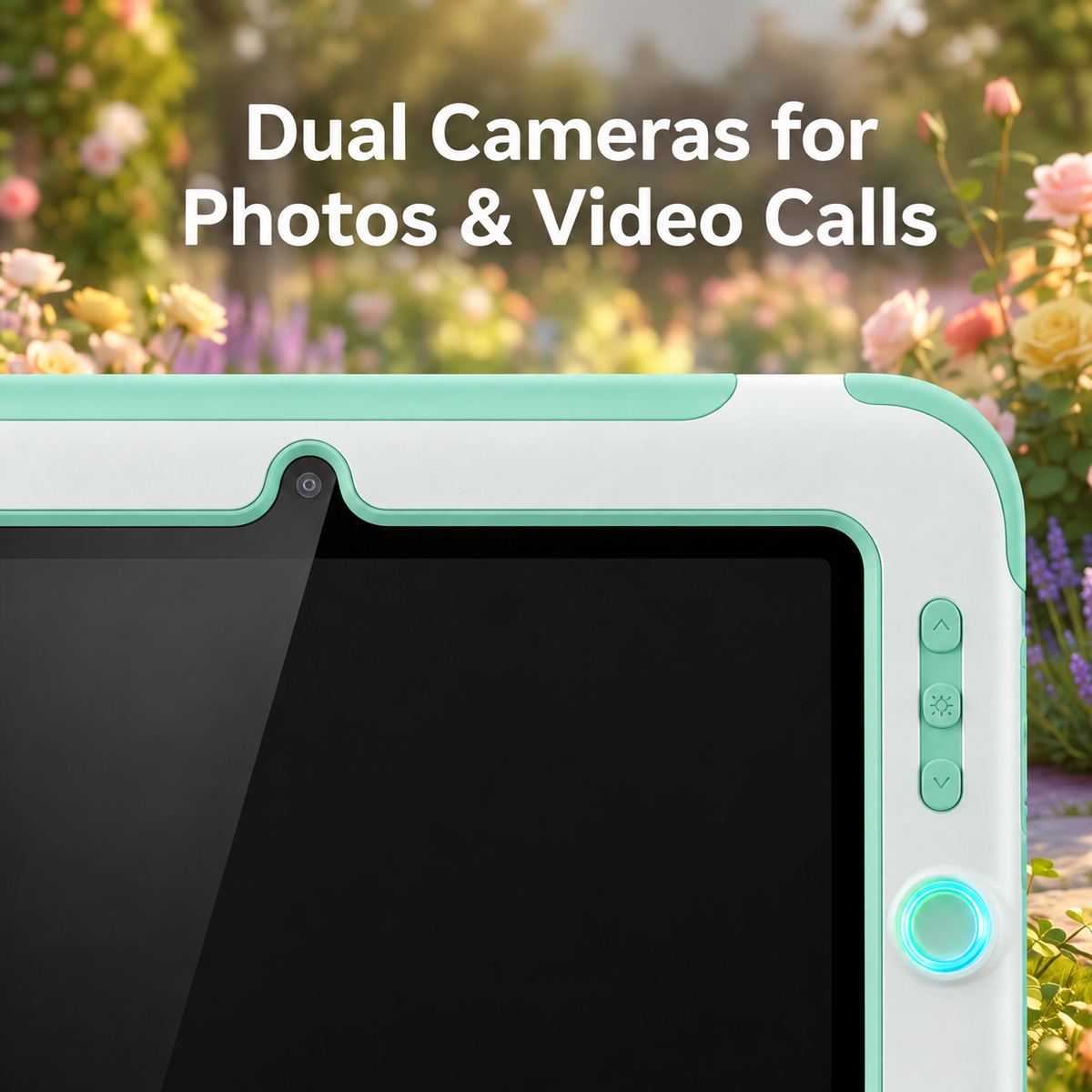
📷 Dual Cameras for Photos & Video Calls
A front-facing camera for video calls with family and a rear camera for capturing the world around them — children can photograph science observations, record creative projects, and stay connected with the people they love, all from one device.
🛡️ Durable Protection — Built to Last
Reinforced corner bumpers, a fully sealed mint green protective case, and a built-in A-frame kickstand mean this tablet handles everything from carpet drops to outdoor adventures — standing up on any surface and surviving every session in between.
Getting Started
Step 1 — Unbox the NESTIVOY Edutainment Kit: tablet, stylus, and charging cables are all included and ready to go from day one.
Step 2 — Power on and open the Learning app — choose Coding, Science, Languages, Art, Music, or Draw from the home screen to begin the first session.
Step 3 — Pick up the stylus for writing, drawing, and annotating, or tap the camera icon to start capturing photos and video calls.
Step 4 — Flip out the A-frame kickstand for hands-free learning on any surface, and charge overnight with the included USB cable so the kit is always ready.
Six subjects. One stylus. Endless curiosity. — NESTIVOY